A website and a web application can both run in a browser, use modern interfaces and provide interactive features. That can make the difference between them seem unclear.
The important distinction, however, isn't simply how a system looks.
It is what the system is designed to do.
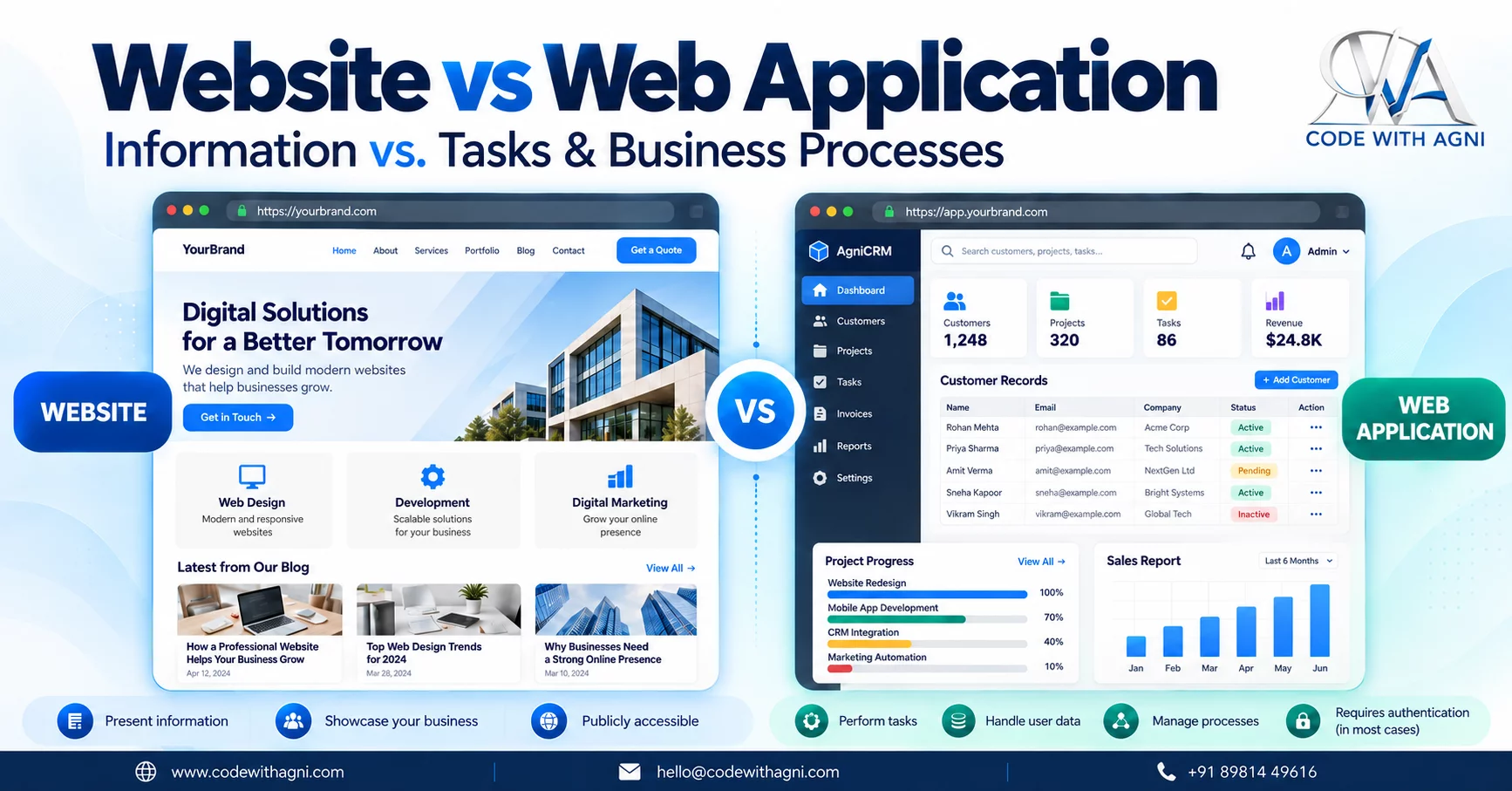
A website is primarily designed to present information. A web application is designed to help users perform tasks, manage data and execute business processes.
Understanding this difference can help businesses avoid both unnecessary development and underpowered solutions.
What Is a Website?
A website is primarily an information and communication platform.
Common examples include company websites, portfolio websites, service websites, blogs and landing pages.
A typical business website might provide:
- Information about the company
- Details about products or services
- Portfolio or project information
- Articles and resources
- Contact information
- Enquiry forms
- Calls to action
Visitors generally navigate through the available content to understand the business and decide what to do next.
The main purpose is often to inform, communicate and generate enquiries.
What Is a Web Application?
A web application is designed around user actions and business processes.
Users may need to log in and then perform tasks such as:
- Creating and editing records
- Managing customers
- Processing orders
- Generating reports
- Tracking operations
- Managing inventory
- Submitting requests
- Following approval workflows
Examples include CRM systems, ERP systems, customer portals, booking platforms, SaaS products and internal business systems.
The focus is not simply on what information users can read.
It is on what users can accomplish through the system.
Website vs Web Application
The distinction can be summarized simply:
| Website | Web Application |
|---|---|
| Presents information | Enables tasks |
| Primarily content-focused | Primarily process-focused |
| Often designed for public visitors | Often designed for authenticated users |
| Explains products or services | Manages data and workflows |
| Example: company website | Example: CRM system |
| Example: blog | Example: order management system |
This isn't an absolute technical boundary. Modern websites can contain increasingly interactive features, while applications can contain substantial informational content.
The key question remains the system's primary purpose.
It's Not About How the System Looks
A common misconception is that an application must look like a complicated dashboard.
That's not necessarily true.
A visually simple web application can still manage complex data and workflows.
Likewise, a highly animated website with sophisticated interactions is still primarily a website if its main purpose is presenting information.
So instead of asking:
"Does this look like an app?"
Ask:
"What does the user need to do?"
That question is usually more useful during project planning.
When Is a Website Enough?
A website may be appropriate when your business primarily needs to:
- Present information
- Promote services
- Showcase products
- Publish content
- Build an online presence
- Generate enquiries
- Provide contact options
For example, a professional services company may need a website explaining its services, industries, team, experience and contact options.
If that satisfies the business requirement, there may be no reason to introduce the additional complexity of a full application.
When Do You Need a Web Application?
An application becomes more appropriate when the system needs to support recurring tasks and business processes.
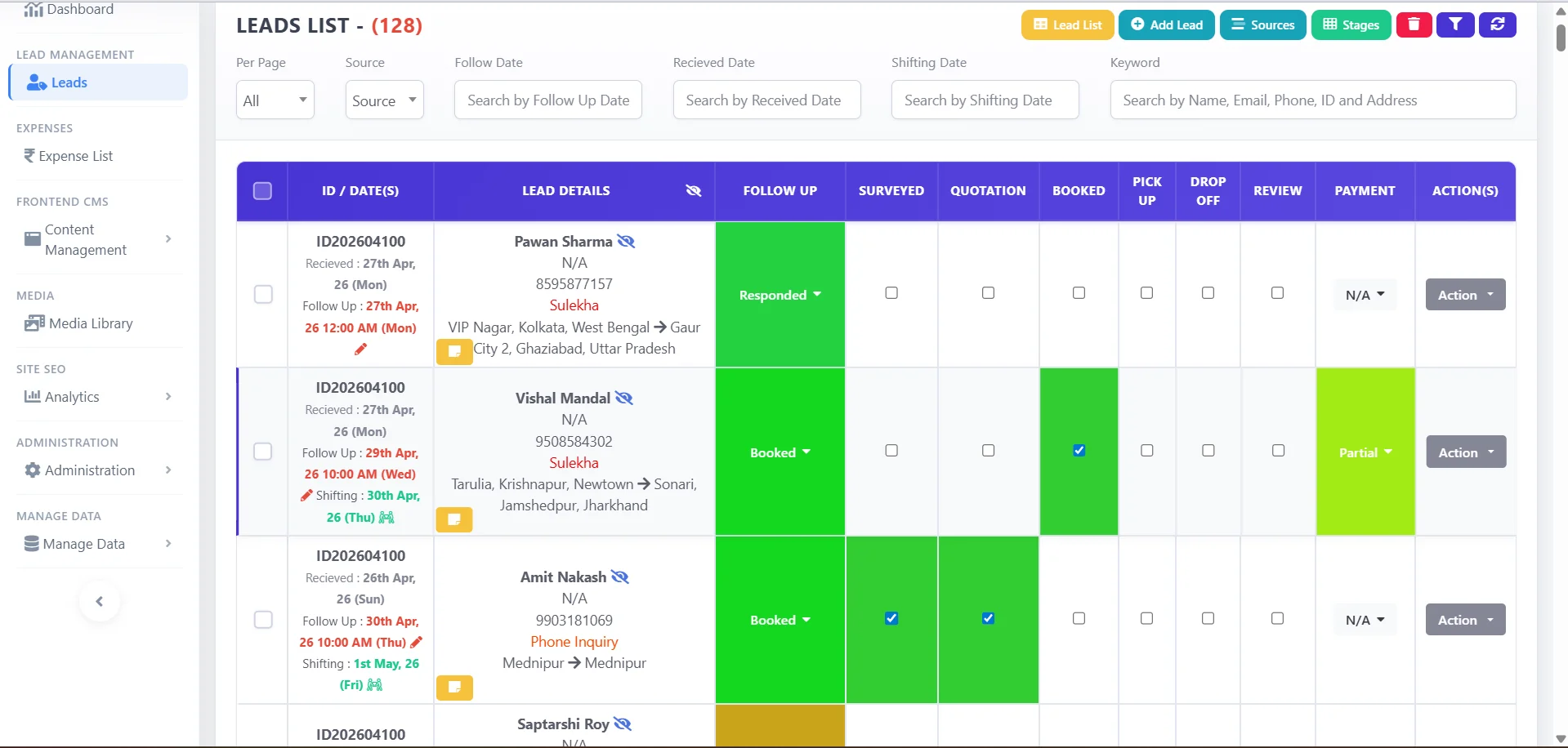
Imagine a company wants its sales team to manage leads.
The requirements might include:
- Employee login
- Lead creation
- Assignment
- Status tracking
- Follow-up scheduling
- Customer history
- Reporting
- Role-based access
This is not simply an information-presentation problem.
The system needs to store data, allow users to manipulate it and support a defined workflow.
That is a strong indication that an application is required.
Sometimes You Need Both
A business doesn't always have to choose between the two.
A public-facing website and a web application can serve completely different purposes.
For example:
Website
Used by potential customers to:
- Learn about services
- Read content
- View products
- Submit enquiries
Web application
Used by employees or customers to:
- Manage accounts
- Track orders
- Manage customer information
- Generate reports
- Complete operational tasks
In this model, the website handles communication and the application handles business processes.
Start With Requirements, Not Technology
Before deciding what to build, identify the actual requirements.
1. Who will use it?
A public visitor, employee, administrator and customer may need very different functionality.
2. What do they need to do?
Reading information is different from creating records, approving requests, processing orders or managing customers.
3. What data needs to be managed?
If users need to repeatedly create, update, search and organize business information, an application may be appropriate.
4. What workflows exist?
If work moves through multiple stages, users and approvals, the system may need application-level functionality.
5. What happens after an action?
A website form may simply send an enquiry.
An application might assign a task, update a status, trigger a notification, create a record and include the activity in a report.
Understanding these requirements makes the technology decision much clearer.
Avoid Both Extremes
There are two common mistakes.
Building an application when a website is enough
This can introduce unnecessary complexity, development effort and maintenance requirements.
If the primary requirement is to present information and collect enquiries, a straightforward website may be the more appropriate solution.
Using a website for a complex business process
The opposite problem can be even more disruptive.
If employees need to manage customers, orders, inventory, approvals or operational workflows, trying to handle everything through basic website functionality may lead to manual workarounds.
The solution is not necessarily to build the most sophisticated system possible.
It is to build the right system for the actual requirement.
Final Takeaway
A website and a web application can share many technologies and can even look similar.
The important difference is their purpose.
A website is primarily designed to present information and communicate with visitors.
A web application is primarily designed to help users perform tasks, manage data and run business processes.
And for many businesses, the practical answer is to use both.
The right question isn't:
"Which technology is more advanced?"
It is:
"What does the business and its users actually need the system to do?"
Don't build a web application when a website is enough—and don't try to run a business process with a website when you actually need an application.